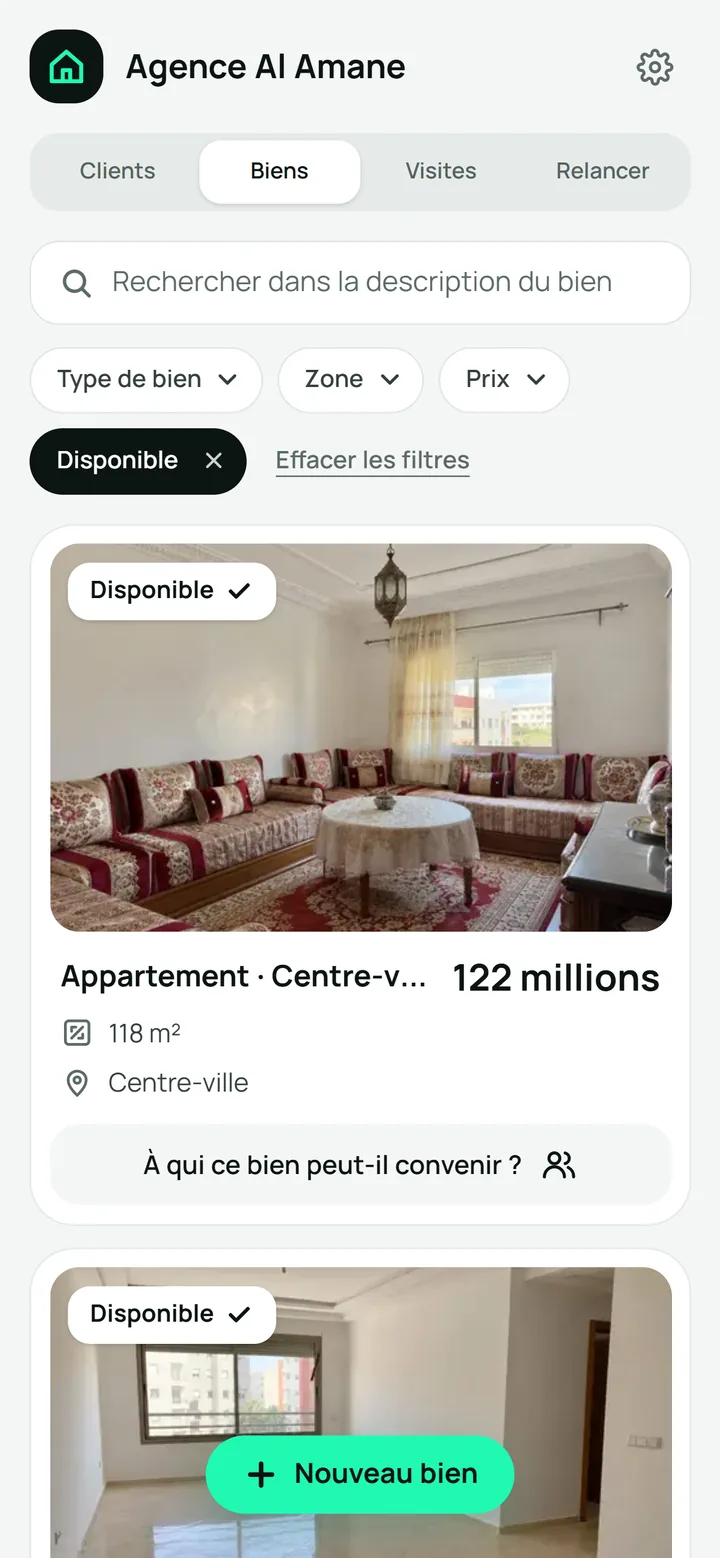
Work wherever you are
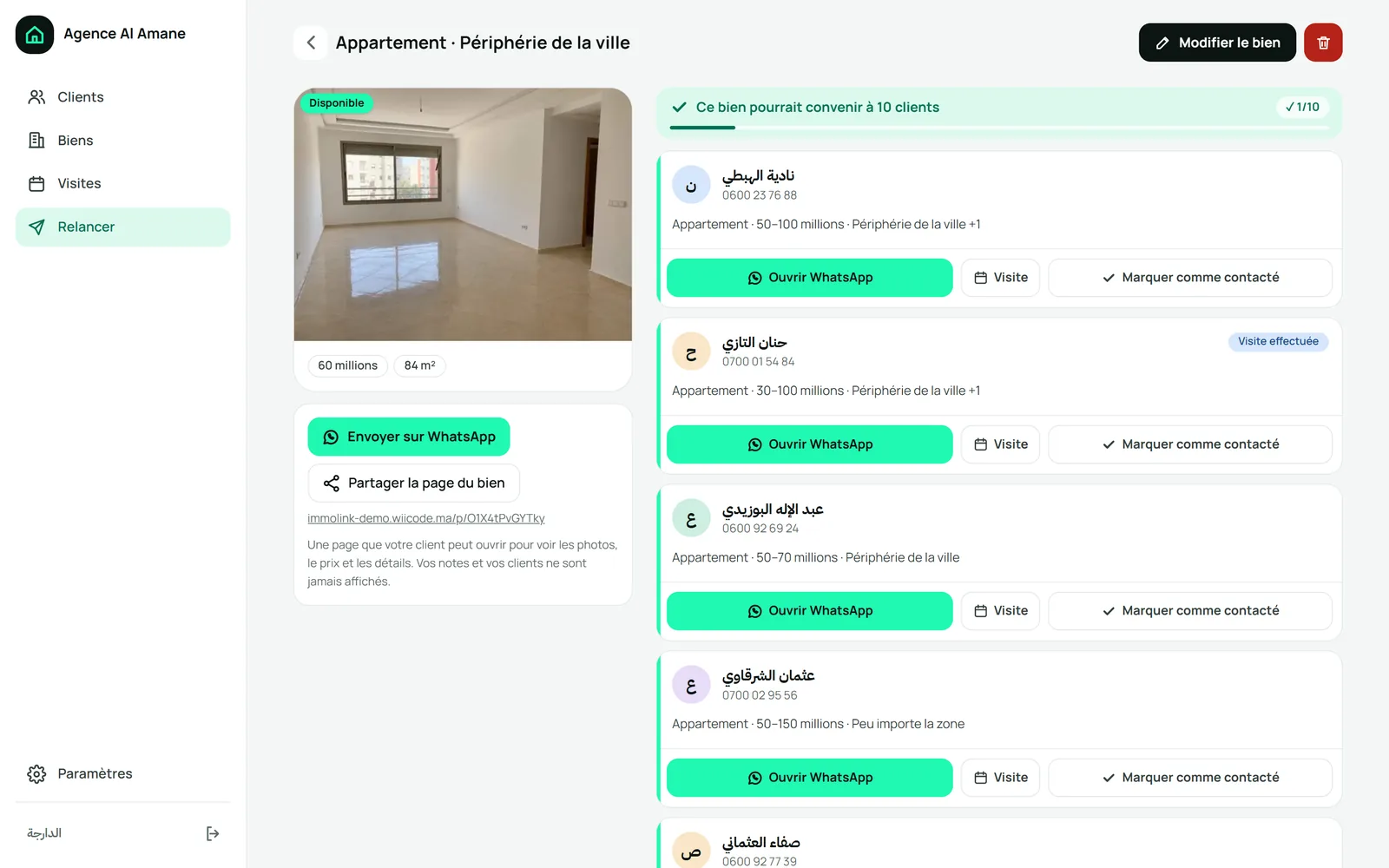
You use your phone or computer to find your information wherever you work. On a computer, you see the list and property side by side to check details.

For Moroccan real estate agencies
We set up an app for your agency. You record each client and what they want. When a property comes in, you see who to call.
We call you and show you the app.
Requests are scattered between notebooks and WhatsApp, leaving you searching for who wanted what. The right property arrives, but you cannot find the client’s number.

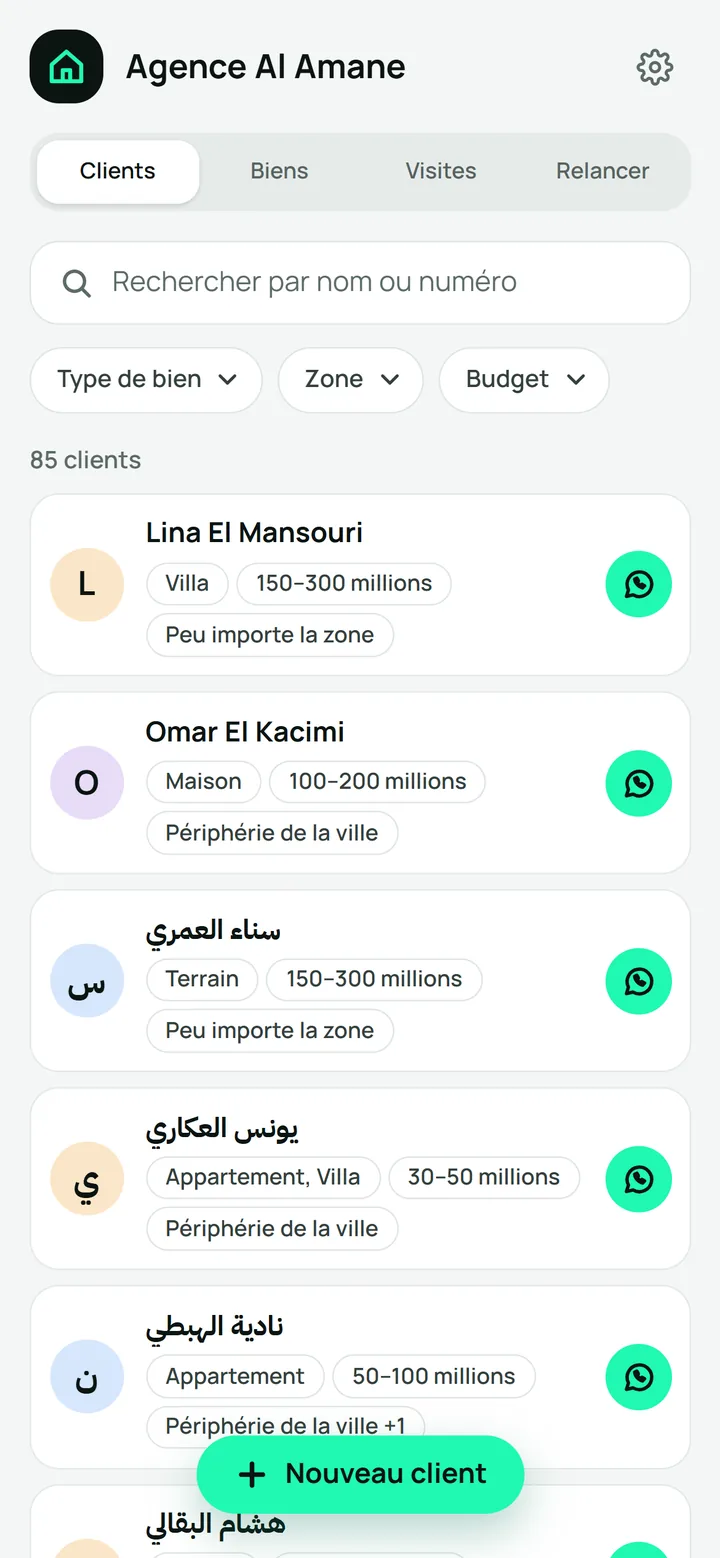
Each client stays recorded with their number and request, even if they don’t buy today. You find them by name or number so you can call them later.
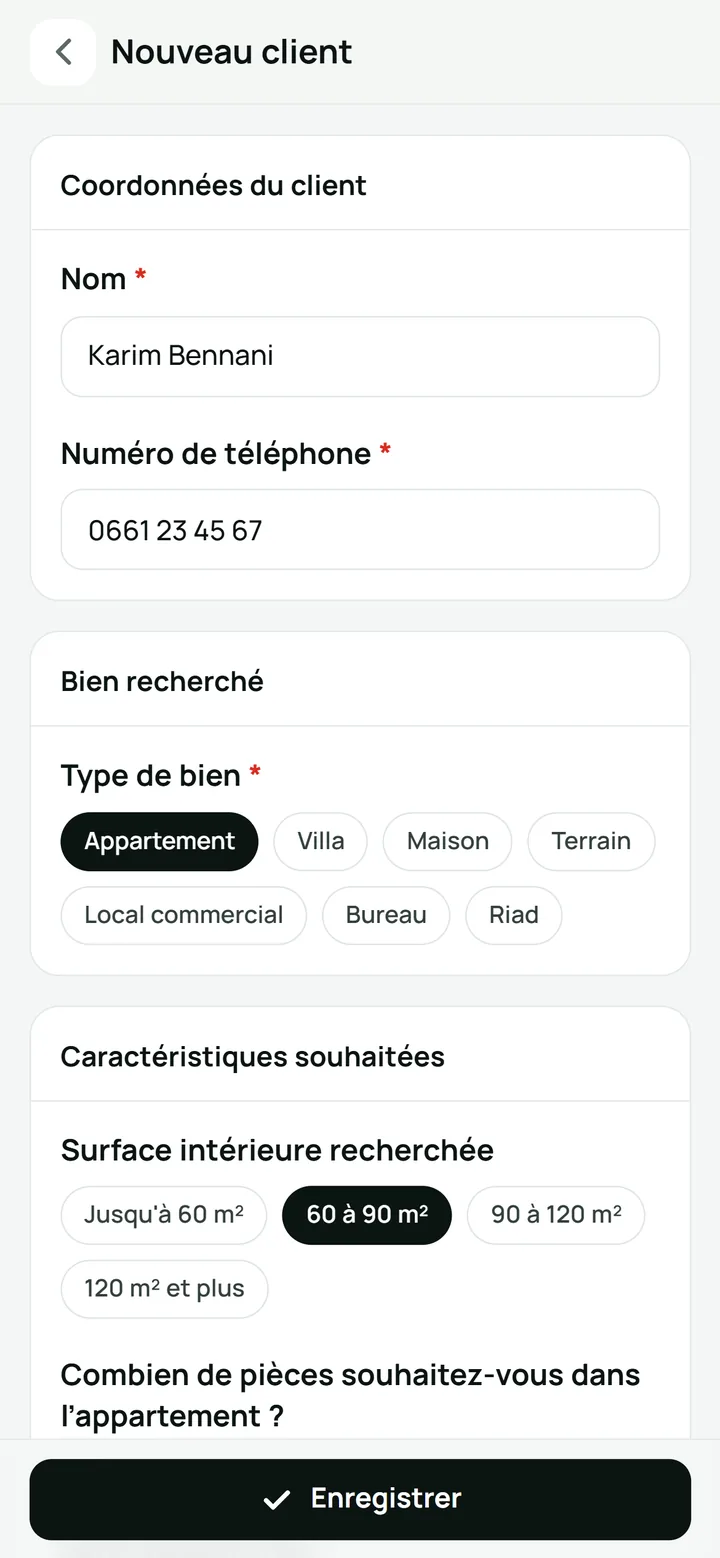
After a call, message or agency visit, you record the client’s name and phone number. You tap ready answers for property type, location and budget in millions, so you type less. You choose size, rooms, floor, requirements and when they want to buy, keeping their request clear.
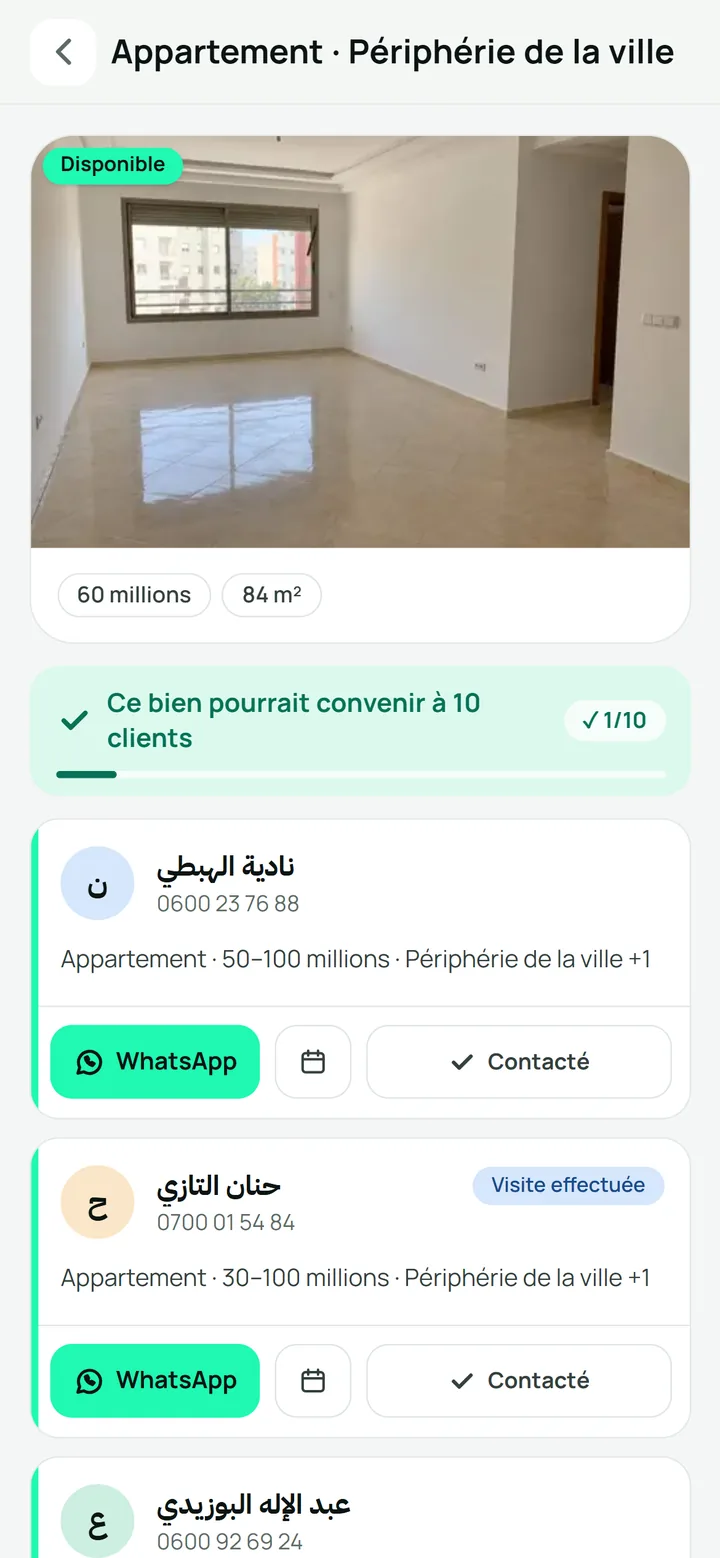
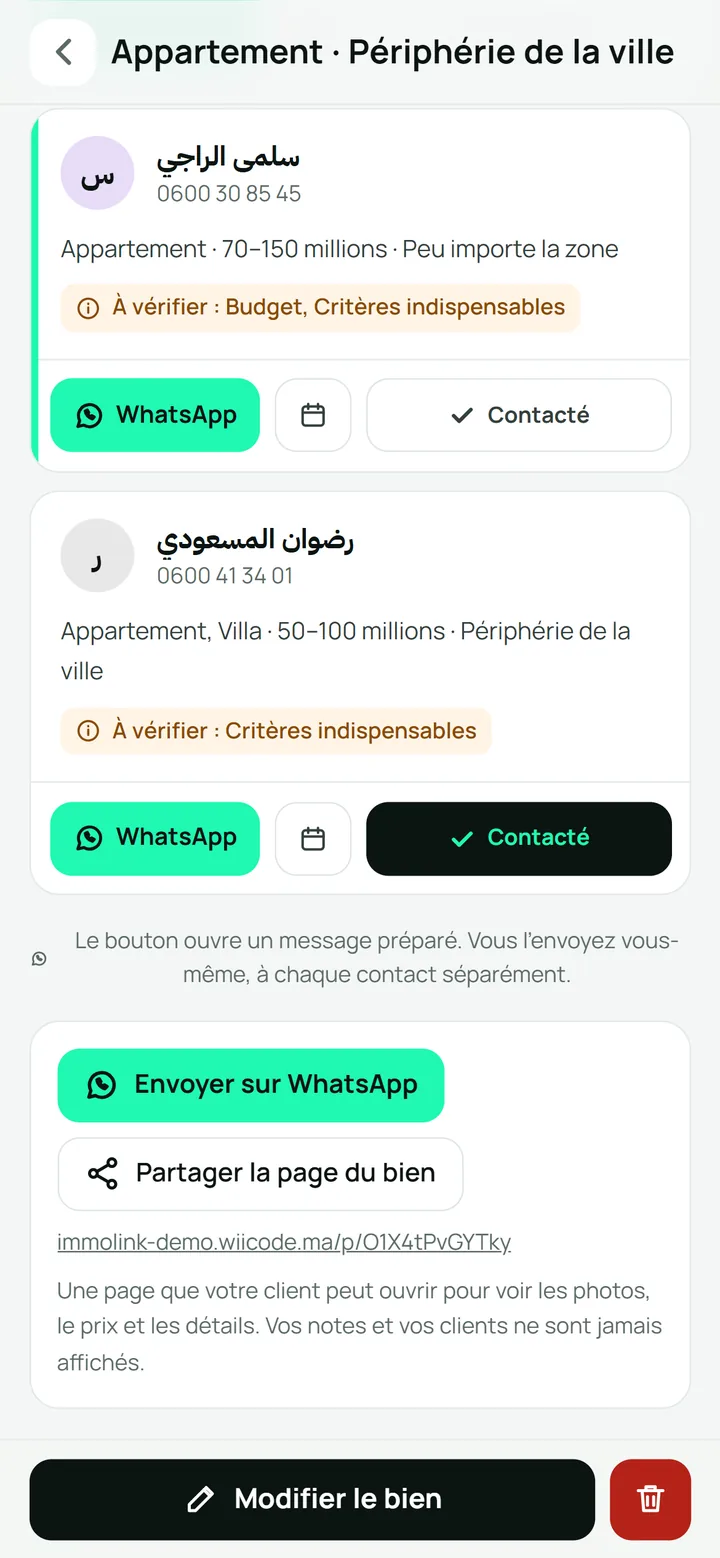
You tap to see who the property might suit, by type, location and budget. If a detail is missing, the client stays visible so you can check. An orange note tells you what to ask on the phone, such as their budget.
You open WhatsApp with a prepared message, so you don’t have to write it again. You review it and send it yourself, one client at a time. You tick who you contacted and see ✓ 1/10, so you know how many remain.
You send the property link on WhatsApp, so your client can check details before visiting. They open it on their phone and see your agency’s name.
Bonjour Nadia, nous avons un nouveau bien qui pourrait vous convenir : Appartement, Périphérie de la ville, 84 m², 60 millions. Souhaitez-vous le visiter ?
10:42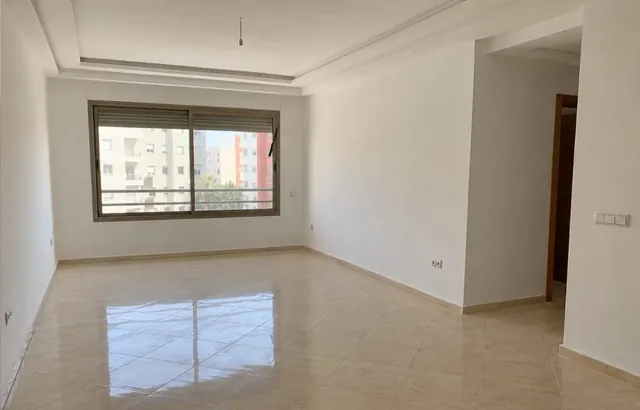
Appartement · Périphérie de la ville — 60 millions
immolink.ma
Bonjour, voici les photos, le prix et les détails de ce bien :
immolink.ma/p/O1X4tPvGYTky
10:42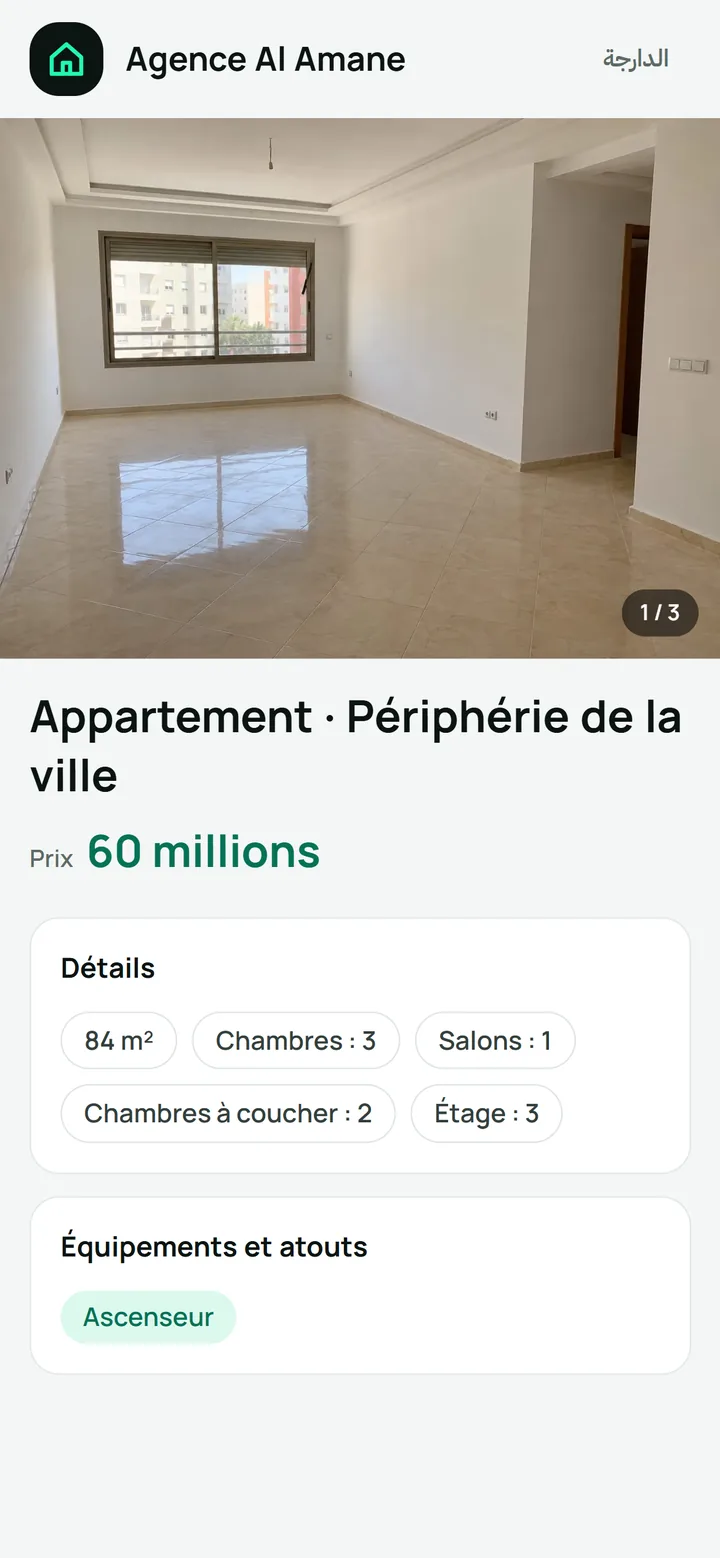
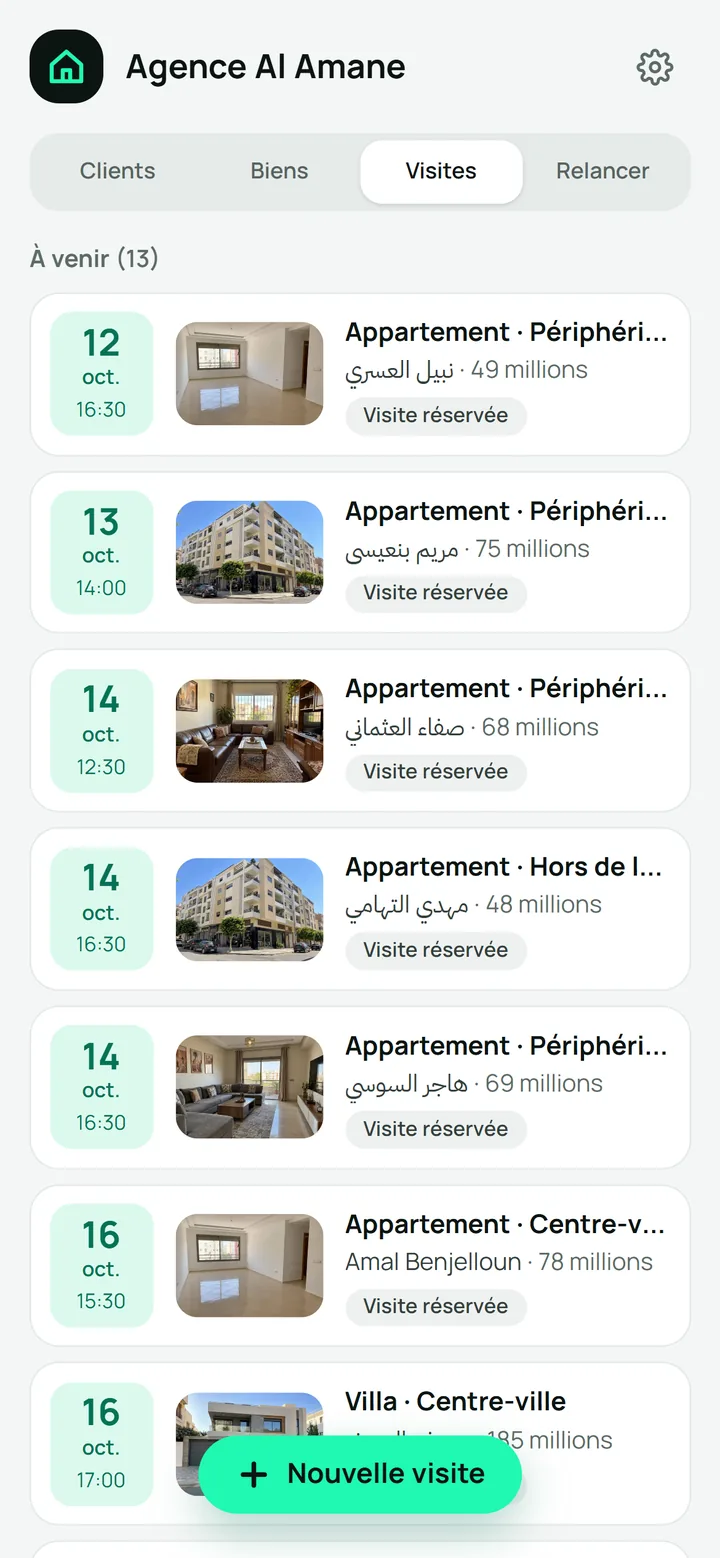
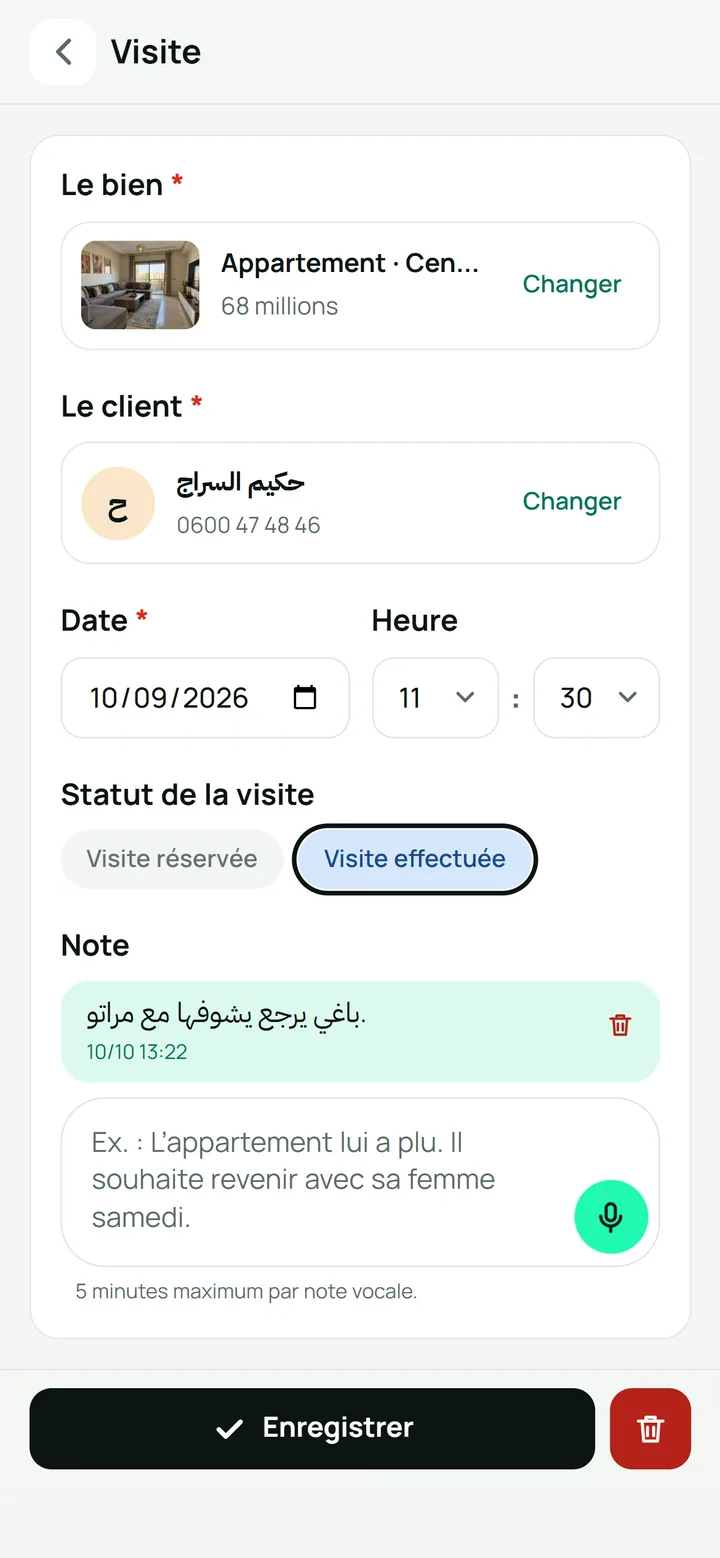
Each morning, you receive the day’s visits by email at your chosen time, initially 08:00. You choose who receives the email, so your team knows the appointments. You keep feedback in writing or record your voice for up to 5 minutes.
Immolink 08:00
Visites du jour (3) — 12 octobre
Voici les visites prévues aujourd’hui :
We set up your agency’s own app, with its own login. You see your agency’s name, and clients see it on each property page. Changes you request apply only to your app, so they serve your agency.
You use your phone or computer to find your information wherever you work. On a computer, you see the list and property side by side to check details.
You switch between Darija and French with one tap. You work in the language you prefer, so you understand what you record.
You add your team, each with their own login to work in your agency’s app. You can remove an account whenever you want, so you choose who can still sign in.
The app refuses a recorded number, so you don’t create two records with the same number. You open the existing record it offers to find what you already noted.
You add up to 15 photos and 3 short videos per property to show it. You record the price, size, rooms, floor and location to answer the client’s questions.
You mark properties available, sold or rented, so you know what you can still offer. Sold or rented properties are no longer suggested to clients, so you don’t offer them again.
We listen to how you currently record your clients, properties and visits. We use your daily work to explain what the app will do for you.
We explain what the app will do and give the price on the call before starting. You can try it with a demo agency to see how you would use it.
We set up the app with your agency’s name so you see it as you work. Your clients also see it on each property page.
We teach you and your team to record clients, add properties and plan visits. We show you these steps so everyone knows what to do.
Tell us what doesn’t fit your agency’s work. We’ll change it in your app.
Free consultation, no commitmentNo, you can use the app on your phone. On a computer, you see the list and property side by side to check details.
We teach you and your team how to use the app. We show you how to record a client, add a property and plan a visit.
No, you open WhatsApp with a prepared message so you don’t have to rewrite it. You review it and send it yourself, one client at a time.
Yes, you can try the app with a demo agency to see how it works. Its clients and properties are invented, so you can try it without entering your agency’s information.
Leave your name and number. We call to understand how your agency works and explain the app.
Tell us what doesn’t fit your agency’s work. We’ll change it in your app.